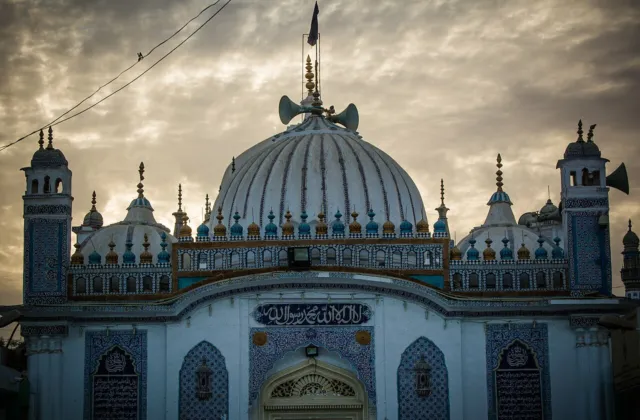
Talpur Dynasty History and the Mirs Who Ruled Sindh (1783 to 1843)
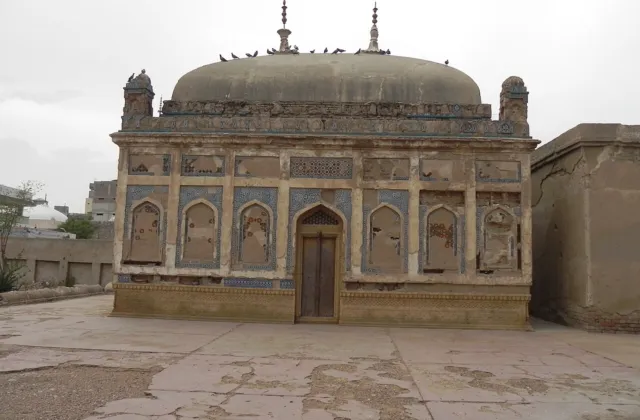
The Talpur dynasty ruled Sindh from 1783 to 1843. Learn how the Mirs rose to power, who their rulers were,…

Fresh stories on Sindhi culture, history, heritage & tourism
The Talpur dynasty ruled Sindh from 1783 to 1843. Learn how the Mirs rose to power, who their rulers were,…
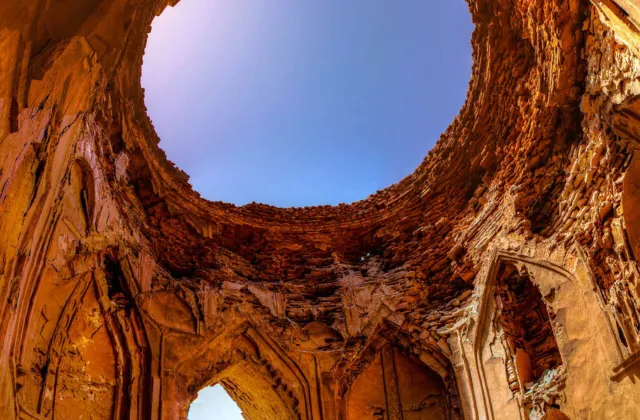
Shah Abdul Latif Bhittai (c. 1689-1752) is Sindh's greatest poet. Learn about his life, Shah Jo Risalo, its surs and…
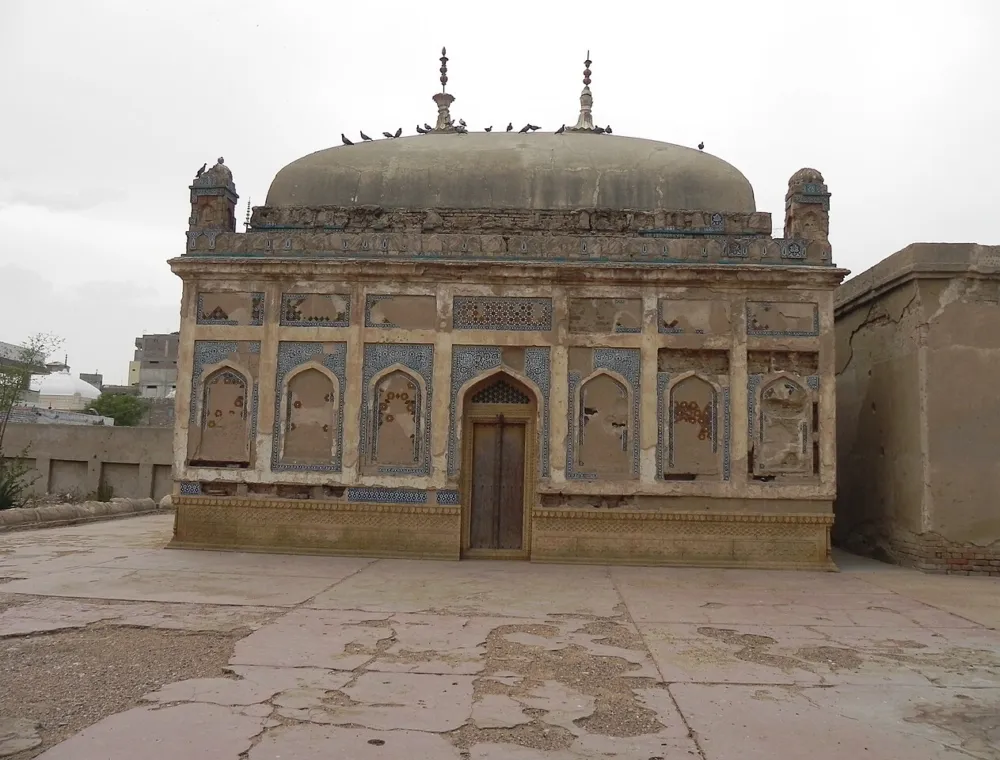
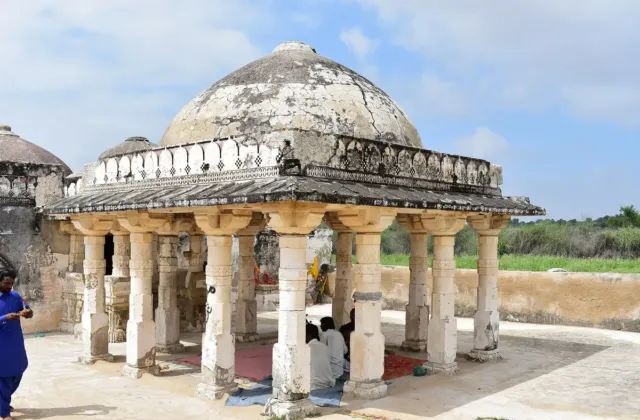
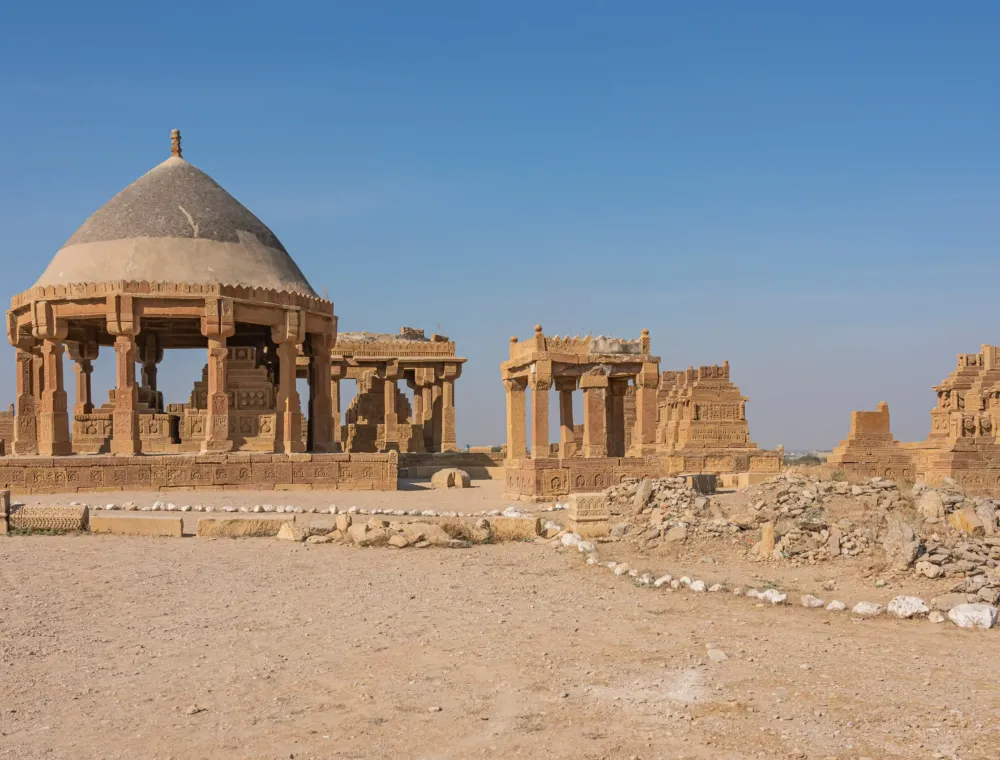
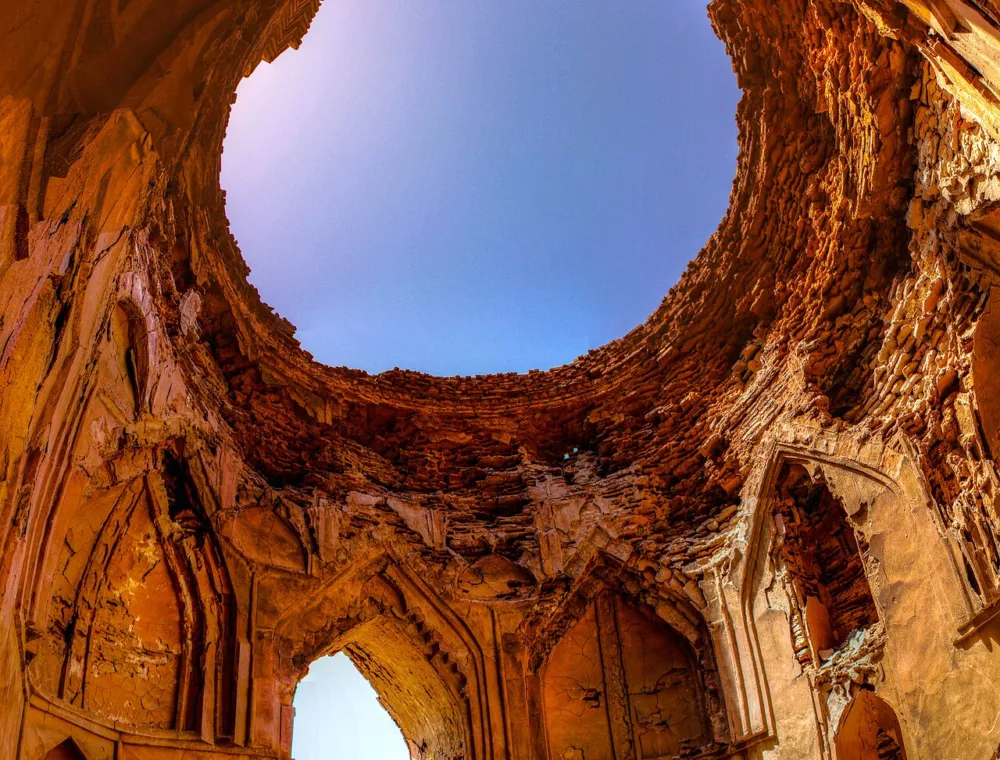
Makli Necropolis near Thatta is a UNESCO World Heritage Site with about half a million graves. Learn its history, key…
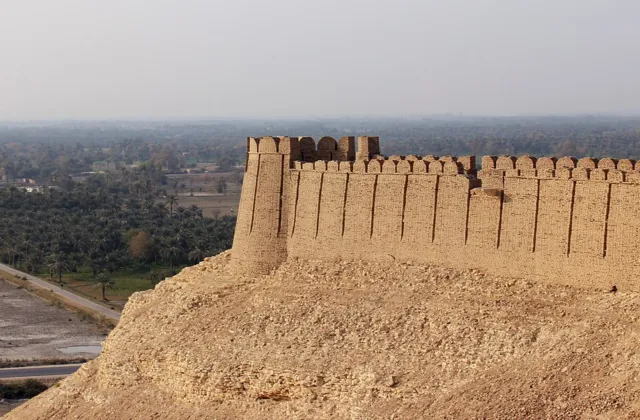
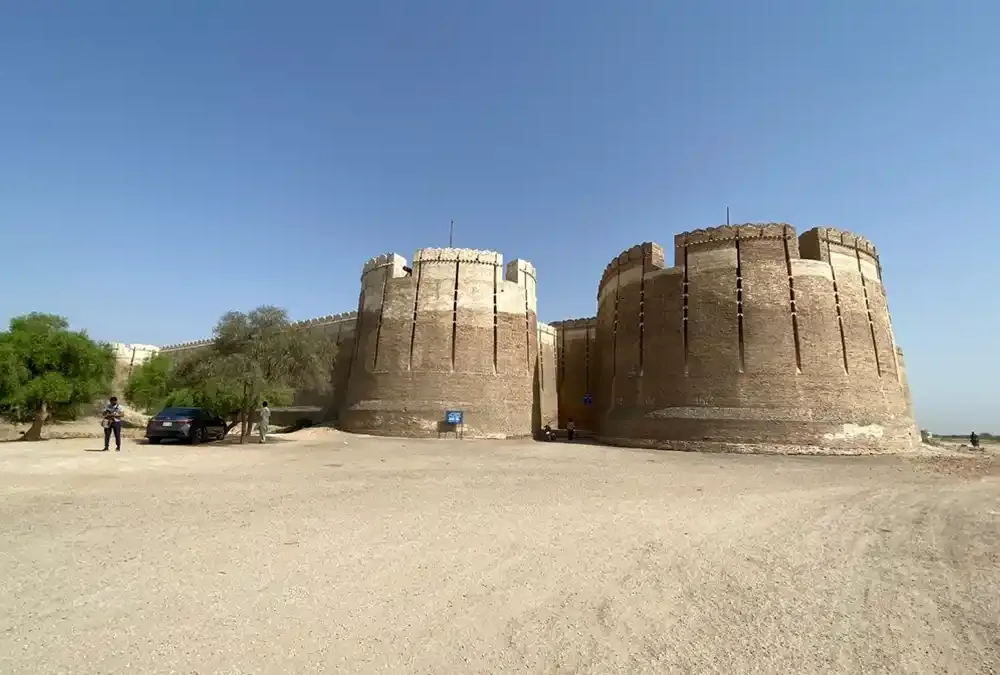
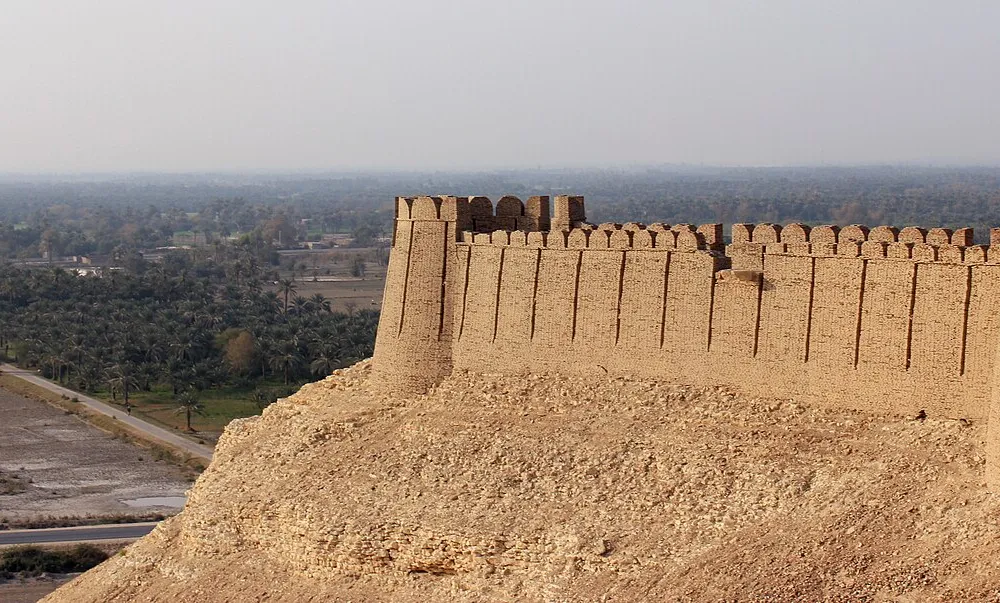
Kot Diji Fort in Khairpur was built by Mir Sohrab Khan Talpur between 1785 and 1795. See its gates, bastions,…
Discover the rich history, vibrant culture and breathtaking beauty of Sindh
From the Indus Valley and Mohenjo-daro to the Soomra, Samma, Kalhora and Talpur eras.
Ajrak, Sindhi Topi, Shah Latif's poetry, music and colourful festivals.
Makli Necropolis, Ranikot Fort, Chaukhandi tombs and the Sufi shrines of Sindh.
Lakes, hill stations, beaches and road trips - plan your journey through Sindh.
Sindhi biryani, sai bhaji, koki and palla - the flavours of the Indus.
 Photo: Mhtoori · CC BY-SA 4.0
 Pakistan's second most populous province, with Karachi as its capital and more than 5,000 years of living history along the Sindhu Darya.
Area & population: Pakistan Bureau of Statistics.
Indus Valley, Mohenjo-daro & the kingdoms of Sindh
The Talpur dynasty ruled Sindh from 1783 to 1843. Learn how the Mirs rose to power, who their rulers were, how they lost Sindh at Miani and Dubbo, and how…
Shah Abdul Latif Bhittai (c. 1689-1752) is Sindh's greatest poet. Learn about his life, Shah Jo…
Kot Diji Fort in Khairpur was built by Mir Sohrab Khan Talpur between 1785 and 1795.…
Makli Necropolis near Thatta is a UNESCO World Heritage Site with about half a million graves.…
5,000 years of history, from Mohenjo-daro to modern Sindh
 Photo: Saqib Qayyum · CC BY-SA 3.0 c. 2600–1900 BCE
Mohenjo-daro, one of the world's first planned cities, flourishes on the banks of the Indus.
 Photo: Aziz Kingrani · CC BY-SA 4.0 6th c. BCE – 7th c. CE
Persian, Mauryan and Buddhist rule; Alexander sails down the Indus (326–325 BCE); the Rai and Chach dynasties follow.
 Photo: Mwaqas · CC BY-SA 3.0 712 CE
Muhammad bin Qasim defeats Raja Dahir and Sindh becomes Bab-ul-Islam, the gateway of Islam in South Asia.
 Photo: Saqib Qayyum · CC BY-SA 3.0 c. 1025–1351
Local Sindhi rulers; the age of the folk romances of Umar Marvi and Moomal Rano.
 Photo: Hammadxxix · CC BY-SA 4.0 1351–1524
Thatta becomes a seat of learning and the tomb of Jam Nizamuddin rises at Makli.
 Photo: Junaid · CC BY-SA 4.0 1520–1591
Central Asian rulers govern from Bukkur and Thatta and add ornate stone tombs to Makli.
 Photo: A.Savin · FAL 1591–1701
Akbar annexes Sindh; Shah Jahan gives Thatta its famous blue-tiled mosque, begun in 1644.
 Photo: Saqib Qayyum · CC BY-SA 3.0 1701–1783
Hyderabad is founded (1768) and Shah Abdul Latif Bhittai composes the Shah Jo Risalo.
 Photo: Muhammad Usman · CC BY-SA 4.0 1783–1843
The Talpurs rule from Hyderabad, Khairpur and Mirpur Khas until the Battle of Miani.
 Photo: Ashahid83 · CC BY-SA 4.0 1843–1947
Sukkur Barrage opens (1932) and Sindh becomes a separate province in 1936.
 Photo: Voice of America · Public domain 1947 – today
The Sindh Assembly was the first to back Pakistan (1943) and Karachi became the first capital.
Sufi poets, writers and the heroines of Shah Jo Risalo
 Photo: CarolOye · CC0
Early Sufi poet of Sindhi verse and great-great-grandfather of Shah Latif.
 Photo: Umasha79 · CC BY-SA 3.0
The greatest poet of Sindh; his Shah Jo Risalo is sung at his shrine every night.
 Photo: Tariqfaqir · CC BY-SA 3.0
Fearless Sufi poet of love and truth, remembered as the poet of seven languages.
Poet of thousands of wise slokas drawing on the Vedanta tradition.
Father of modern Sindhi prose, with hundreds of books and translations.
 Photo: Kuhda Bux Abro · CC BY 2.0
Towering modern poet who also translated Shah Jo Risalo into Urdu.
Seven brave women whose love, loyalty and courage Shah Abdul Latif Bhittai sang in his Risalo.
Ajrak, Sindhi Topi, music, poetry & festivals
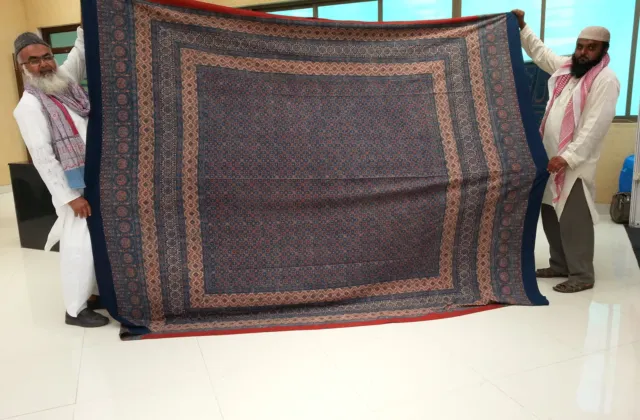
Sindhi Ajrak is a block-printed, resist-dyed cloth from Sindh, Pakistan. This guide covers its history, cultural role, making process, designs,…
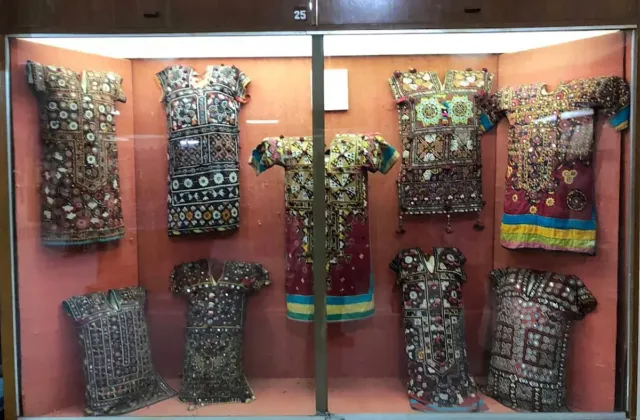
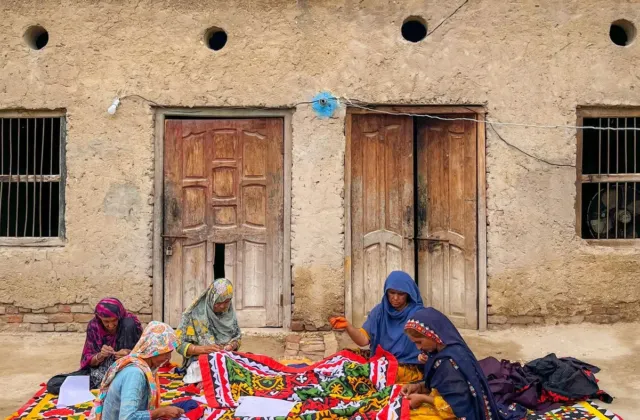
Learn Sindhi Bharat embroidery at home: supplies, key stitches, mirror work, ten easy steps, common mistakes, care tips and FAQs…
A local guide to Sindhi culture, from its roots at Mohenjo Daro to Sindhi food, Ajrak, topi and ralli, Sufi…
Festivals, urs and national days with a live countdown
Islamic dates depend on moon sighting and may shift by a day.
Learn a Sindhi phrase a day and test what you know
Makli Necropolis, Ranikot Fort & Sufi shrines
On this day, quote of the day and did-you-know facts
The most read stories and evergreen reads from the archive

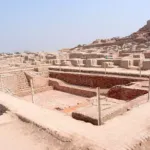
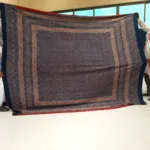
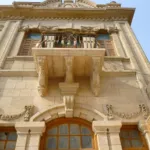
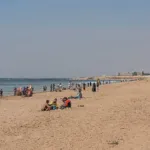
Lakes, hills, beaches & road trips across Sindh
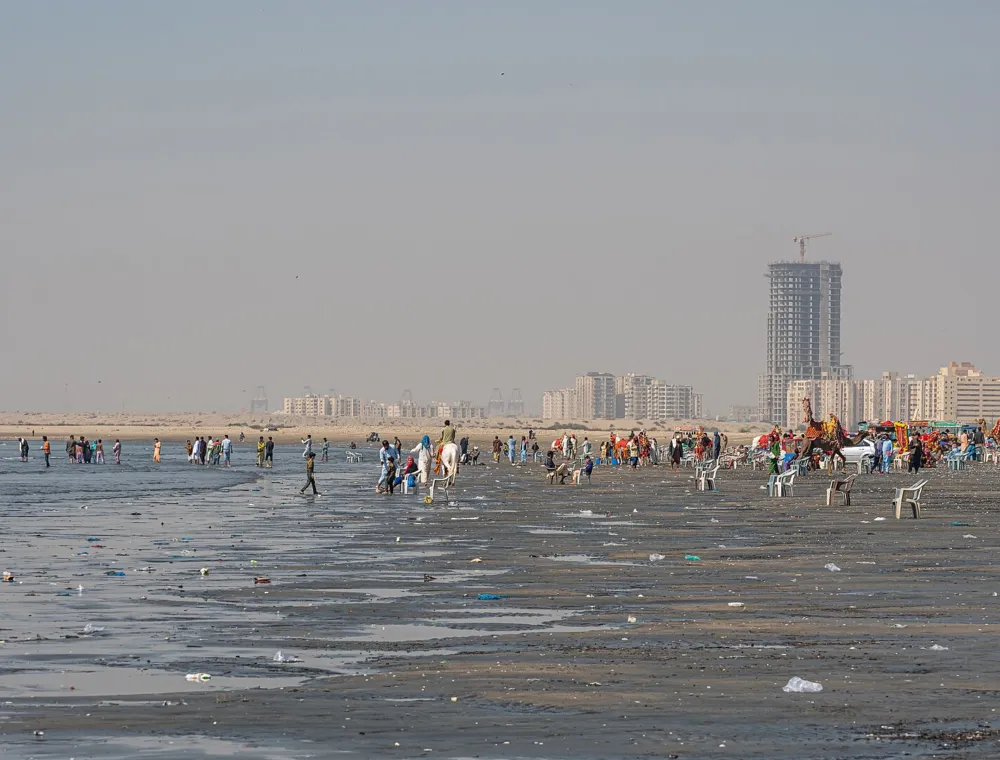
Plan a family evening at Karachi Clifton Beach (Sea View) with honest tips on street food, camel rides, sunset times, example prices, safety, swimming rules and what to bring.
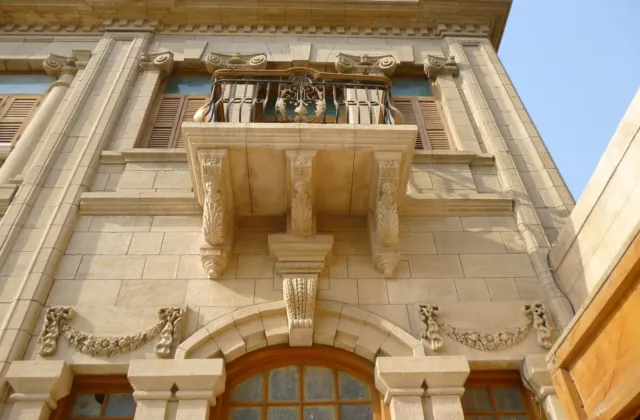
Mukhi House, built in 1920 near Pakka Qila in Hyderabad, was the palatial home of a…
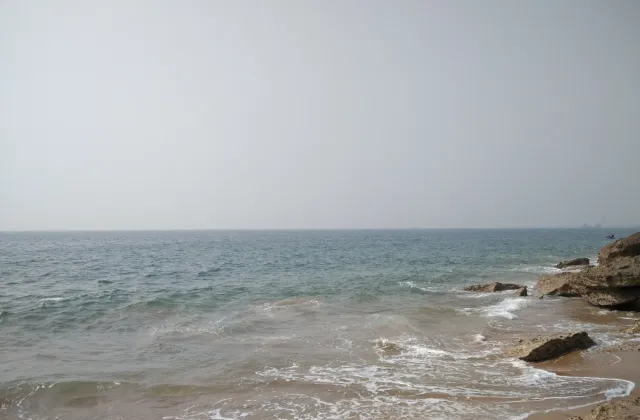
A complete guide to French Beach Karachi (Haji Ali Goth): the route via Hawks Bay and…
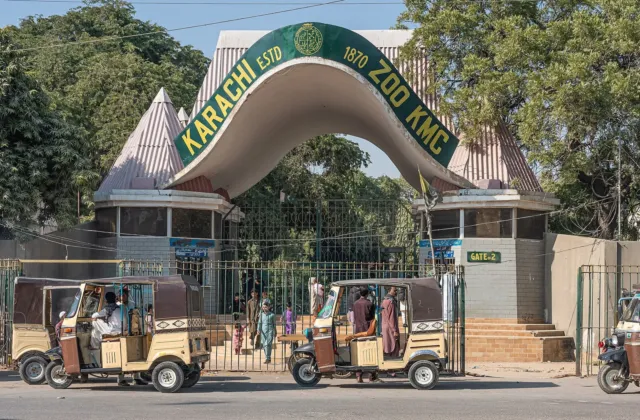
A complete 2026 guide to Karachi Zoo: timings, ticket prices, Animal Adventure, the reopened Reptile House…
Moments from our latest stories
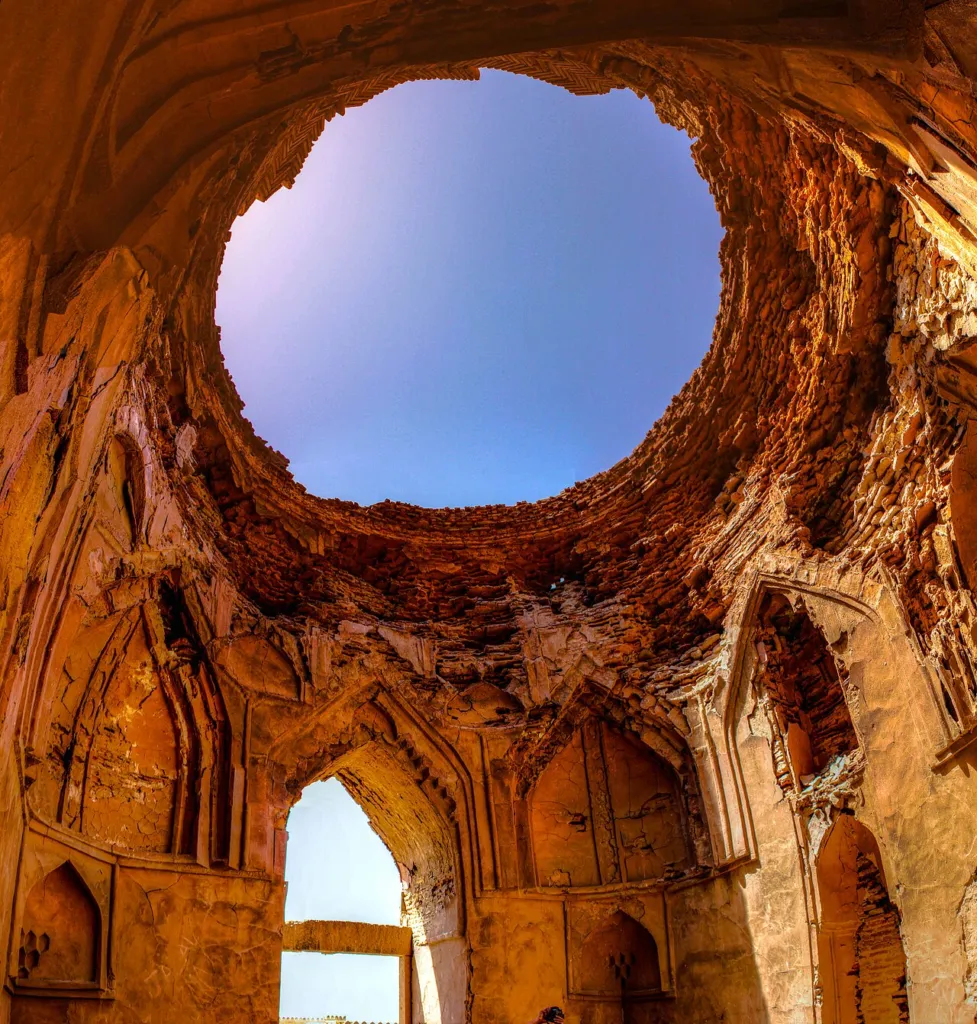
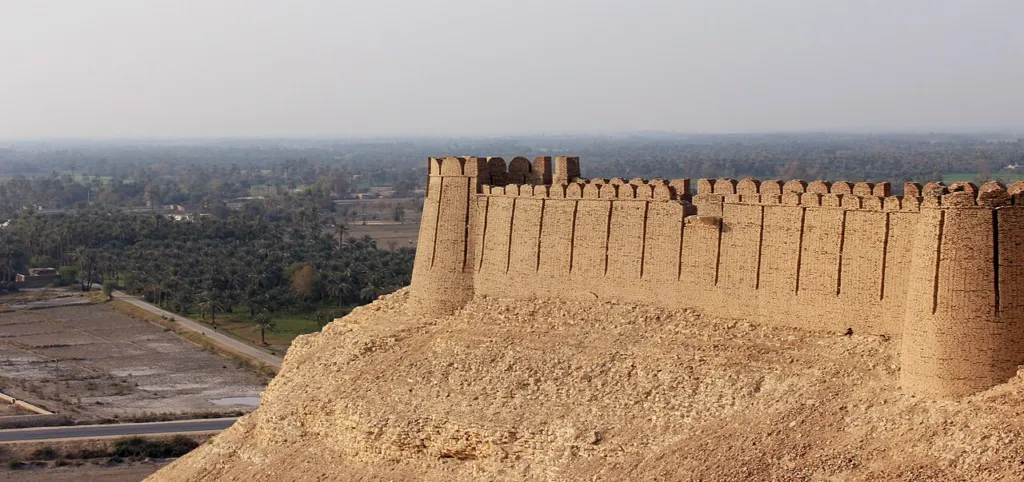
From the Arabian Sea to the Thar desert: six regions, one Sindh
The city of lights: golden beaches, Chaukhandi tombs and colonial landmarks.
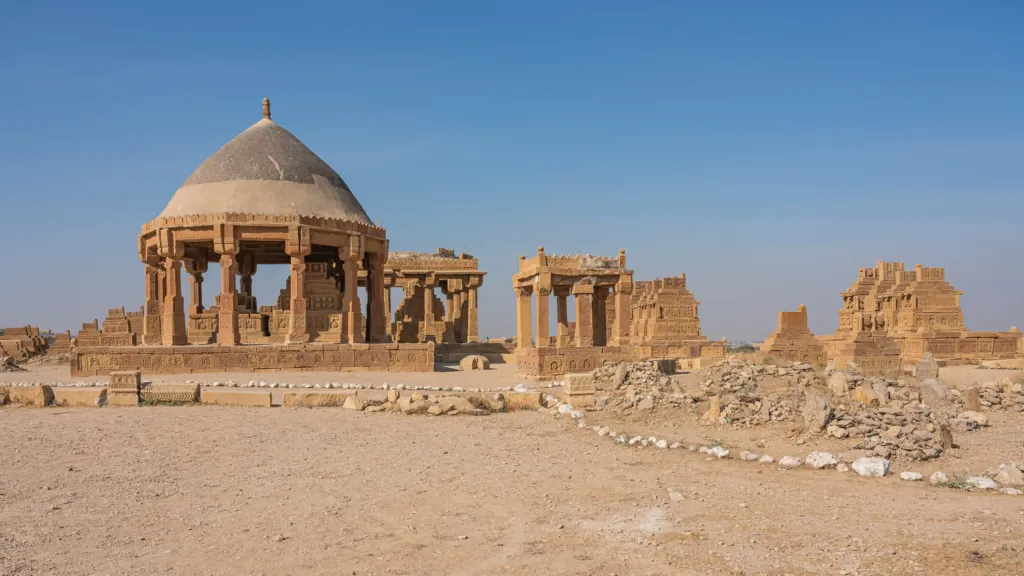
Thatta, the Indus delta and the great necropolis of Makli Hill.
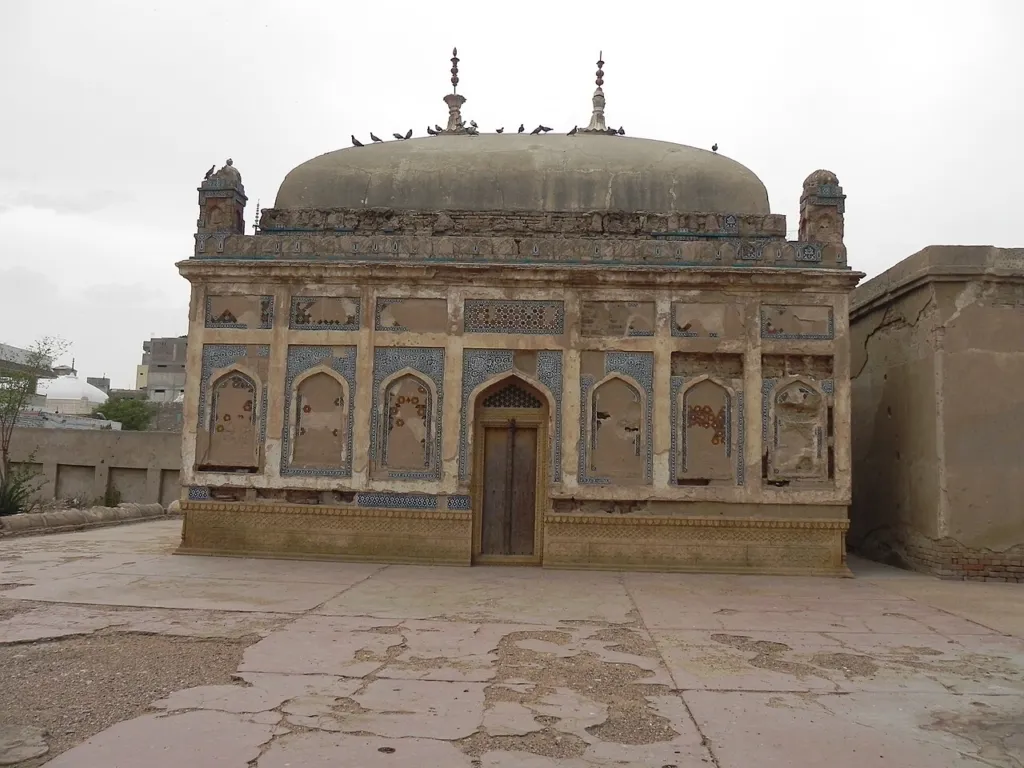
Hyderabad, Bhit Shah and Hala: the heart of Sufi poetry, Ajrak and crafts.
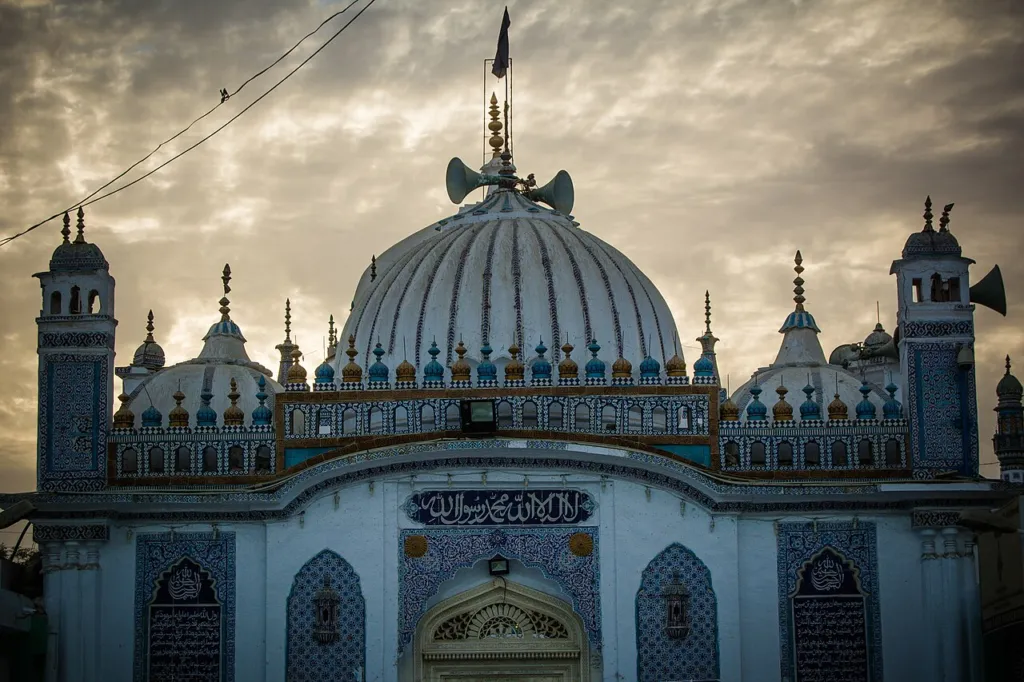
Rugged hills, the great wall of Ranikot and Sehwan of Lal Shahbaz Qalandar.
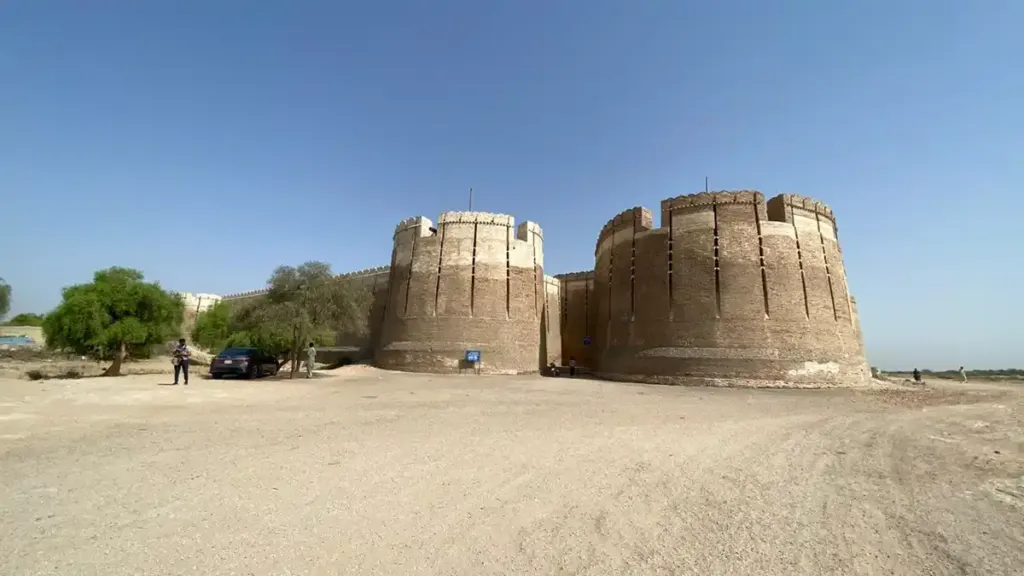
Mohenjo-daro, Sukkur's bridges over the Indus and the fort of Kot Diji.
Peacocks, round chaunra huts, Mithi and the pink granite of Karoonjhar.
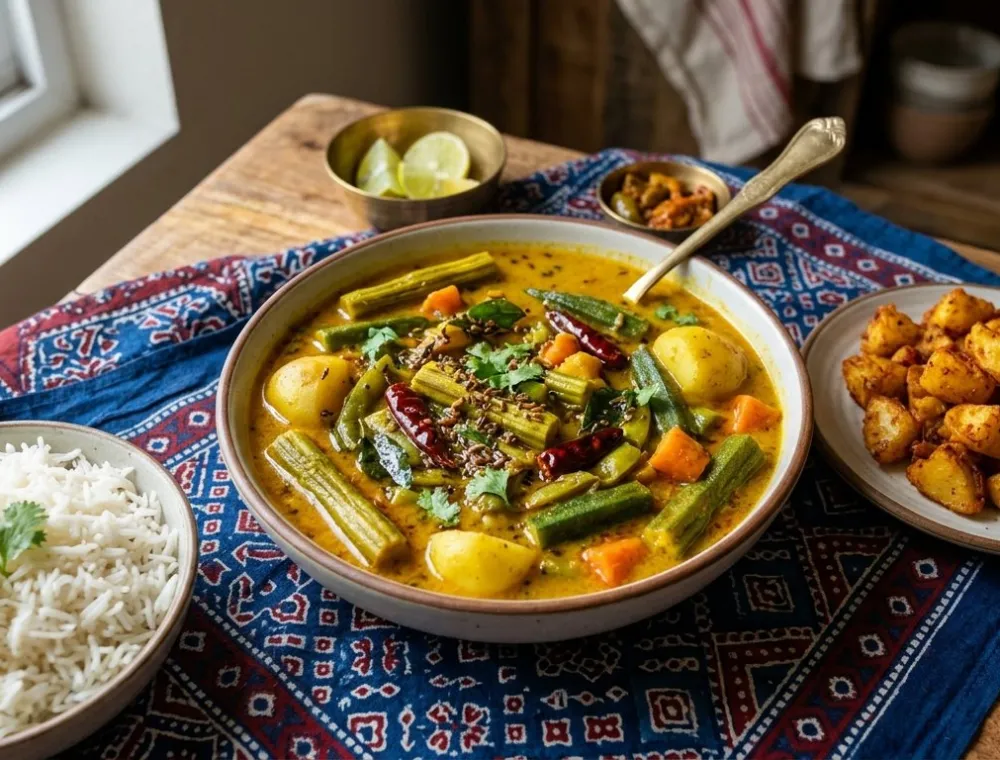
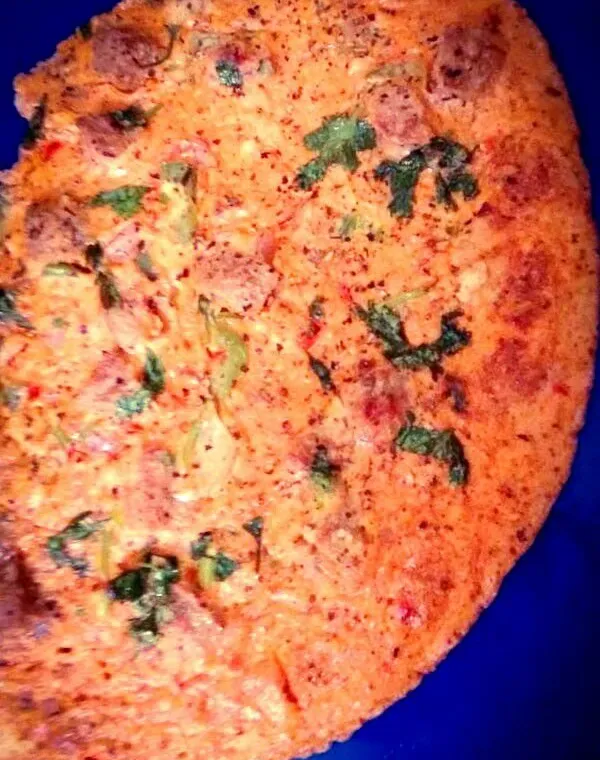
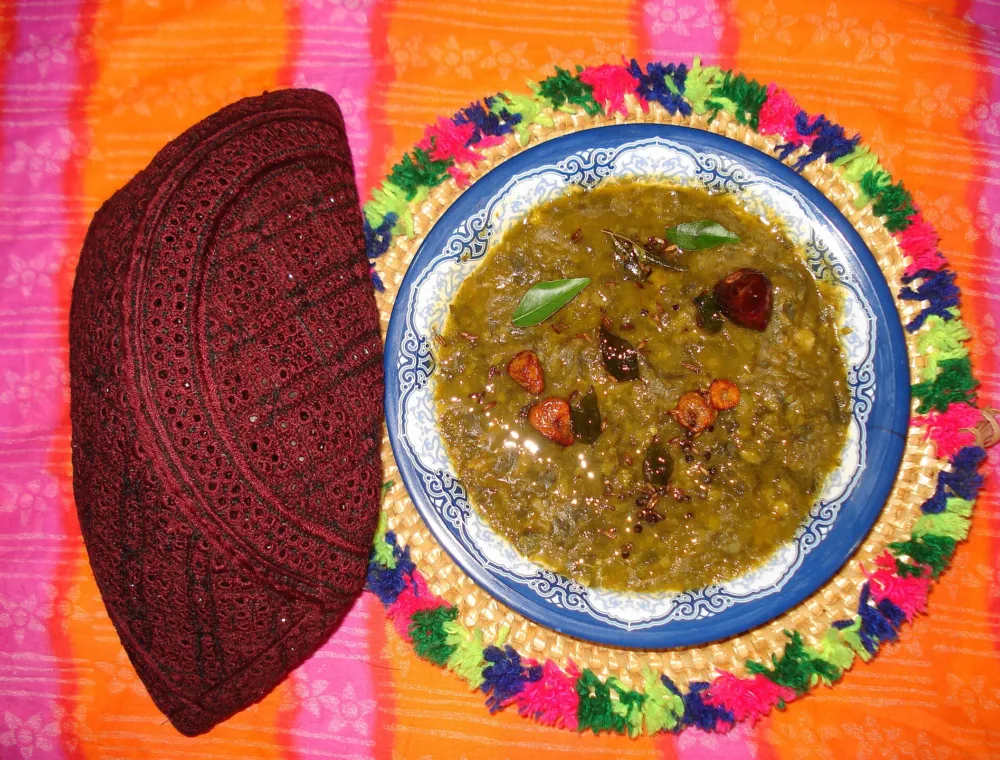
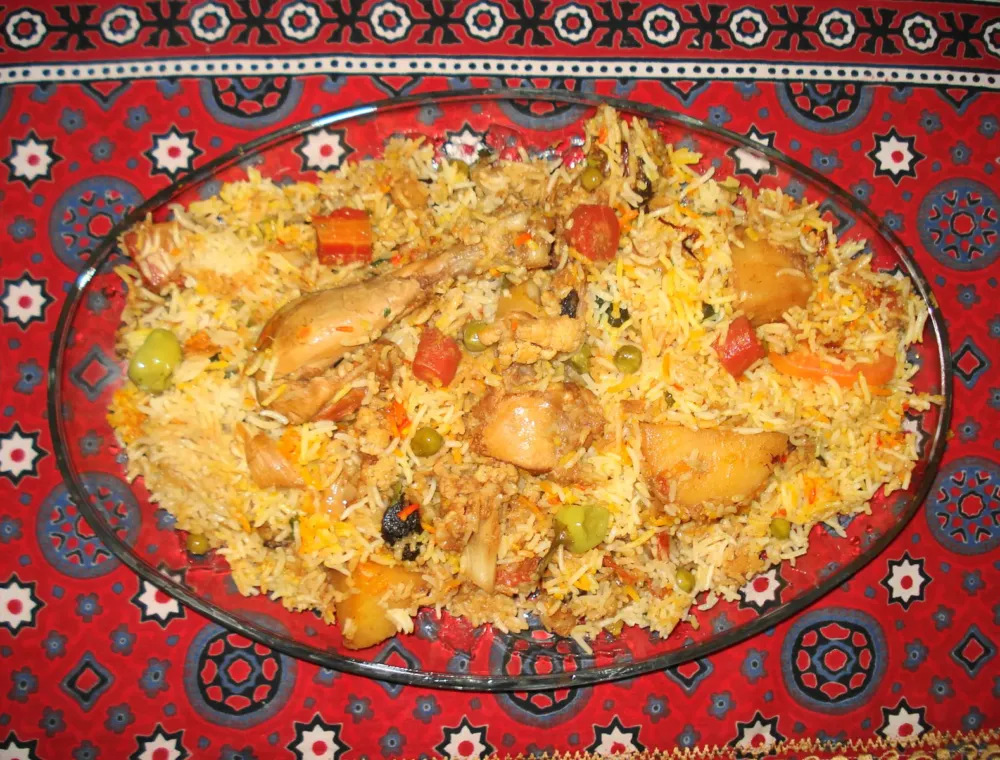
Sindhi biryani, sai bhaji, koki & palla fish
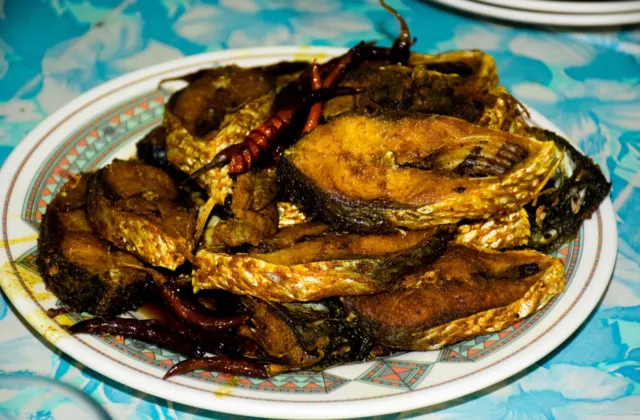
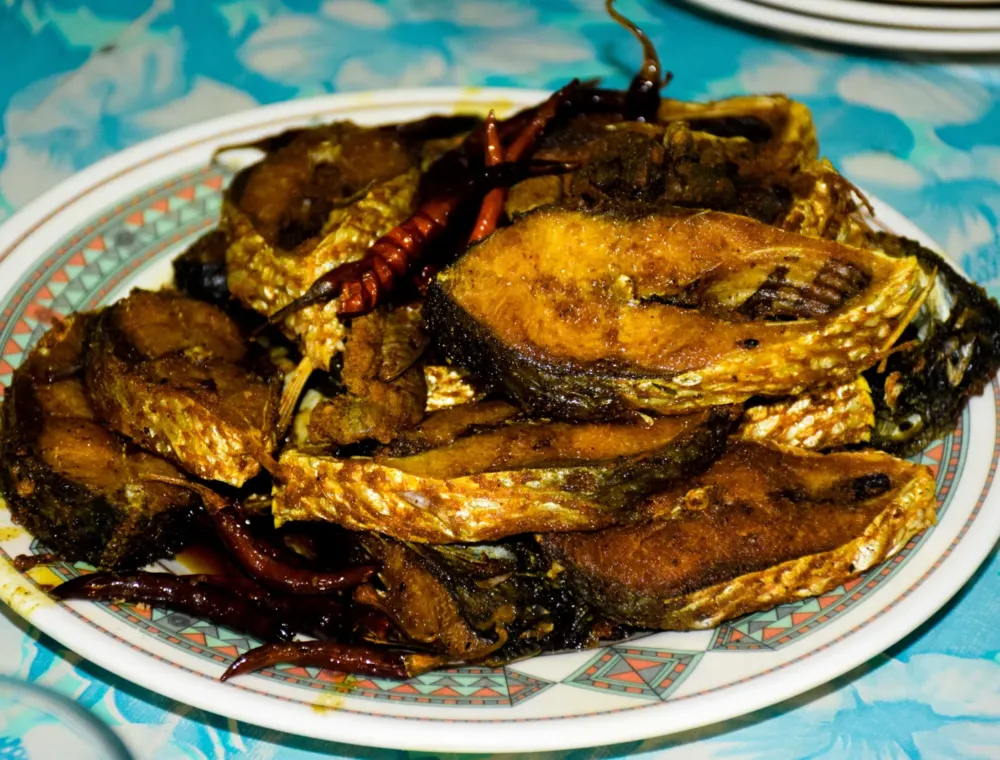
Palla (hilsa) from the Indus is Sindh's most prized fish. Here is the classic Sindhi Palla machhi recipe, with tips…
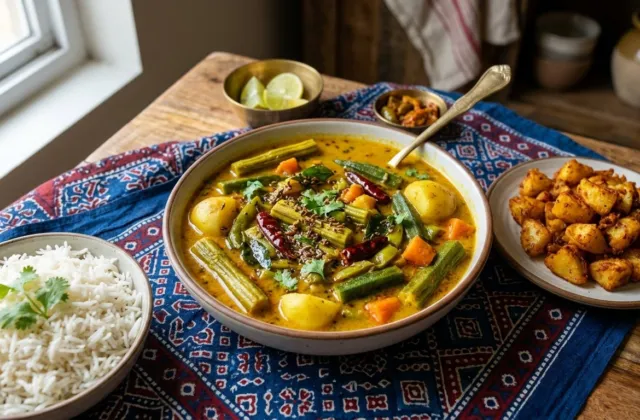
A tangy Sindhi curry made with roasted besan, tomatoes and tamarind, loaded with drumsticks, okra and potatoes, served with rice…
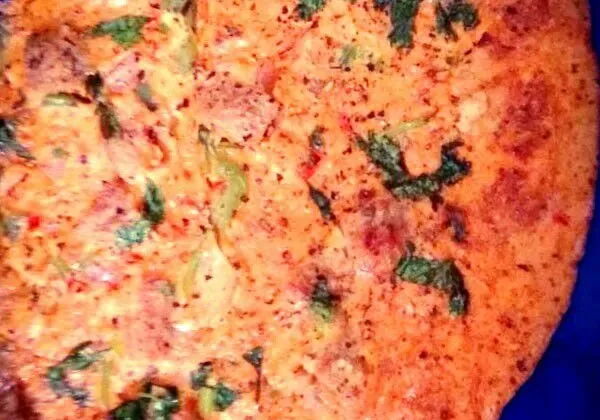
Learn this easy Sindhi koki recipe with exact quantities, moyan tips and slow tawa cooking for a thick, crisp onion…
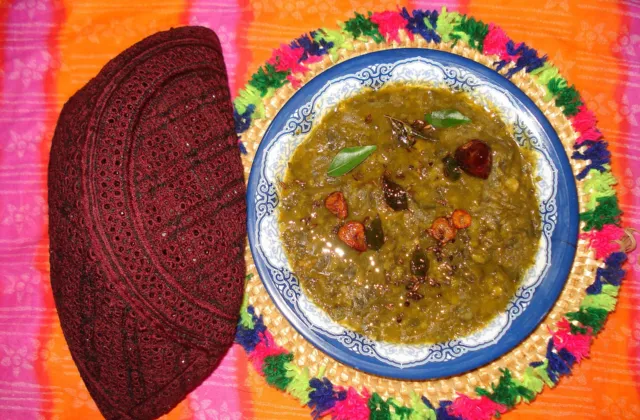
Sai Bhaji is the everyday green curry of Sindhi homes. This recipe covers spinach, dill and chana daal, the garlic…
When to go, local etiquette and emergency numbers
 Oct – Mar
Pleasant days and cool nights. Ideal for Mohenjo-daro, Makli, Ranikot, Thar and the lakes. Migratory birds arrive in winter.
 Apr – Jun
Upper Sindh (Jacobabad, Sukkur, Larkana) can pass 45 °C. Travel early morning, carry water and ORS.
 Jul – Sep
Thar turns green and lively, but heavy rain can flood roads. Check the forecast before long trips.
Photos: A.Savin · FAL; Mueen78 · CC BY-SA 4.0; JunaidAlam · CC BY-SA 4.0, via Wikimedia Commons
Send us a story, an old photograph, a family recipe or a poem from your town. Selected submissions are published on PakSindh with your name.
Islamic date, namaz timings and live weather across Sindh