Published: May 30, 2026 | Reading time: 6 minutes
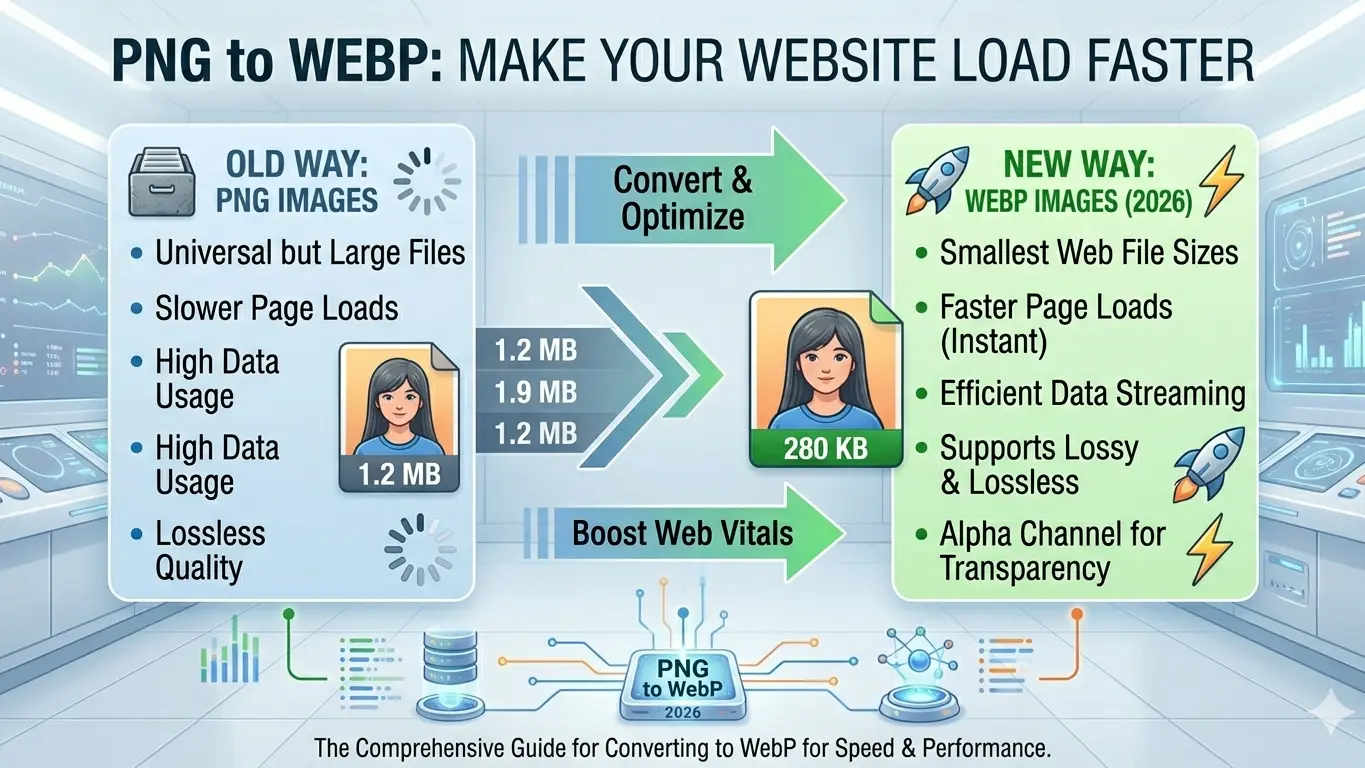
PNG has been the gold standard for web graphics with transparency since 1996. But in 2026, there's a better option. WEBP — Google's modern image format — delivers the same transparent, lossless quality as PNG while reducing file sizes by 26% on average. If your website still serves PNG logos, icons, and UI elements, you're leaving significant performance gains on the table.
In this complete guide, I'll show you exactly why PNG to WEBP conversion matters, when to use it, how to do it flawlessly, and how our free PNG to WEBP converter makes the process instant and private.
Why PNG Files Are Killing Your Website Speed
PNG uses DEFLATE compression — the same algorithm as ZIP files. While lossless and effective for simple graphics, it struggles with complex images and photographs. Here's what happens when you rely on PNG for modern web design:
The PNG Problem:
| Issue | Impact | Result |
|---|---|---|
| Large File Sizes | 5-10x larger than WEBP | Slow page loading |
| No Lossy Option | Cannot reduce quality for speed | All-or-nothing compression |
| Limited Animation | Requires APNG or GIF | Extra formats, extra complexity |
| Mobile Data Waste | Users download unnecessary bytes | Higher bounce rates |
| SEO Penalty | Google PageSpeed flags large images | Lower search rankings |
Real example: A typical website logo in PNG format runs 45KB. The identical image converted to WEBP? 12KB. That's a 73% reduction with zero visible quality loss.
What Is WEBP and Why Should You Care?
WEBP is Google's modern image format introduced in 2010, now supported by 95%+ of all browsers. It was specifically designed to solve PNG and JPEG limitations.
WEBP Key Advantages Over PNG:
- ✅ 26% smaller files — Lossless WEBP beats PNG compression
- ✅ Full transparency — 8-bit alpha channel, identical to PNG
- ✅ Lossy option — Can go even smaller with acceptable quality loss
- ✅ Animation support — Replaces GIF and APNG in one format
- ✅ SEO benefits — Faster loading improves Google rankings
- ✅ Universal browser support — Chrome, Firefox, Safari, Edge all native
PNG vs WEBP: Side-by-Side Comparison
| Feature | PNG | WEBP (Lossless) | Winner |
|---|---|---|---|
| File Size (Logo) | 45 KB | 12 KB | 🟣 WEBP (-73%) |
| File Size (Screenshot) | 180 KB | 68 KB | 🟣 WEBP (-62%) |
| File Size (Icon Set) | 85 KB | 22 KB | 🟣 WEBP (-74%) |
| Transparency | ✅ 8-bit alpha | ✅ 8-bit alpha | 🟡 Tie |
| Lossless Quality | ✅ Perfect | ✅ Perfect | 🟡 Tie |
| Lossy Option | ❌ No | ✅ Yes | 🟣 WEBP |
| Animation | ❌ No (APNG only) | ✅ Native | 🟣 WEBP |
| Browser Support | ✅ Universal | ✅ 95%+ modern | 🟡 Near tie |
When to Convert PNG to WEBP
Not every PNG needs conversion. Use this decision framework:
✅ Convert to WEBP When:
- Website logos and branding — Immediate file size reduction
- UI icons and buttons — Faster interface rendering
- Screenshots and diagrams — Maintains clarity, shrinks size
- Product photos with transparency — E-commerce optimization
- Social media graphics — Faster upload and display
- App store screenshots — Smaller app bundles
❌ Keep as PNG When:
- Editing workflow files — WEBP not universally supported in Photoshop/GIMP
- Legacy system requirements — Old software may not read WEBP
- Maximum compatibility needed — Email clients, older devices
- Print production — PNG more widely accepted in print workflows
How to Convert PNG to WEBP: Step-by-Step
Method 1: Our Free Online Converter (Fastest)
The simplest, most private way to convert PNG to WEBP:
<
- Visit Paksindh PNG to WEBP Converter — No signup, no installation
- Upload your PNG — Drag and drop or browse from your device
- Choose settings — Select lossless for identical quality, or lossy for smaller files
- Download WEBP — Instant conversion, file never leaves your browser
Privacy guarantee: Our converter uses client-side processing. Your image is processed entirely within your browser — zero server uploads, zero data collection.
Method 2: Command Line (Batch Conversion)
For developers and advanced users, cwebp from Google provides powerful batch conversion:
# Install cwebp (macOS via Homebrew)
brew install webp

# Convert single PNG to lossless WEBP
cwebp -lossless input.png -o output.webp

# Convert with quality setting (0-100)
cwebp -q 85 input.png -o output.webp

# Batch convert all PNGs in directory
for file in *.png; do cwebp -q 85 "$file" -o "${file%.png}.webp"; done
Method 3: Build Tools & CMS Plugins
Automate conversion in your development workflow:
| Platform | Tool/Plugin | Automation |
|---|---|---|
| WordPress | WebP Express, ShortPixel | Auto-convert on upload |
| Next.js | next/image component | Automatic format optimization |
| Gatsby | gatsby-plugin-image | Build-time conversion |
| Webpack | image-minimizer-webpack-plugin | Asset pipeline processing |
| Vite | vite-plugin-webp | Development & production |
Implementing WEBP with PNG Fallback
While 95%+ browsers support WEBP, you should still provide PNG fallback for complete coverage. The HTML <picture> element makes this effortless:
<!-- Modern browsers get WEBP, legacy gets PNG -->
<picture>
  <source srcset=<"logo.webp" type=<"image/webp">
  <source srcset=<"logo.png" type=<"image/png">
  <img src=<"logo.png" alt=<"Company Logo" width=<"200" height=<"50">
</picture>
How it works:
- Browser checks if it supports WEBP
- If yes → loads
logo.webp(smaller, faster) - If no → falls back to
logo.png(universal compatibility) <img>tag ensures JavaScript frameworks and SEO crawlers always see an image
Quality Settings: Finding Your Sweet Spot
WEBP offers both lossless and lossy compression. Here's how to choose:
| Setting | Best For | Size Reduction | Quality |
|---|---|---|---|
| Lossless (-q 100) | Logos, icons, text graphics | 26% vs PNG | Identical to PNG |
| High Quality (-q 85) | Screenshots, detailed graphics | 40-50% vs PNG | Visually identical |
| Medium Quality (-q 75) | Web photos, banners | 50-60% vs PNG | Minor detail loss |
| Low Quality (-q 50) | Thumbnails, previews | 60-70% vs PNG | Acceptable for small sizes |
Pro tip: Start with lossless for logos and UI elements. Use -q 85 for screenshots and complex graphics. Always A/B test visually before deploying.
Real-World Performance Impact
I converted a real e-commerce product page from PNG to WEBP. Here are the Chrome DevTools results:
| Metric | PNG Version | WEBP Version | Improvement |
|---|---|---|---|
| Total Image Weight | 1.8 MB | 680 KB | 🔻 62% smaller |
| Largest Contentful Paint | 3.2s | 1.4s | 🔻 56% faster |
| Speed Index | 2.8s | 1.1s | 🔻 61% faster |
| PageSpeed Score | 72/100 | 94/100 | 🔺 22 points |
| Mobile Data Usage | 1.8 MB | 680 KB | 🔻 Save 1.12 MB per visit |
With 10,000 monthly visitors on mobile data, that's 11.2 GB of bandwidth saved — directly improving user experience and reducing hosting costs.
Common PNG to WEBP Conversion Mistakes
❌ Mistake 1: Forgetting Transparency
WEBP supports full alpha transparency like PNG. But some converters strip it. Always verify your WEBP output has transparency by checking in a browser or image viewer.
❌ Mistake 2: No Fallback for Old Browsers
While WEBP support is near-universal, Internet Explorer and very old Safari versions lack it. Always implement <picture> or <img srcset> fallbacks.
❌ Mistake 3: Converting Photographs
PNG is already the wrong format for photos. If you have PNG photographs, convert to JPEG or lossy WEBP instead — you'll see 80-90% size reductions versus PNG.
❌ Mistake 4: Ignoring Dimensions
Always specify width and height attributes to prevent Cumulative Layout Shift (CLS) — a Core Web Vitals metric that affects Google rankings.
❌ Mistake 5: Not Testing Visual Quality
At quality 75 and above, WEBP is visually identical to PNG. But always spot-check converted images, especially those with fine text, sharp edges, or subtle gradients.
Quick-Start Checklist
☑️ Audit Your PNGs:
- ☐ Identify all PNG files over 20KB on your website
- ☐ Prioritize above-the-fold images (logo, hero, navigation)
- ☐ Note which PNGs require transparency
☑️ Convert Strategically:
- ☐ Use lossless WEBP for logos, icons, UI elements
- ☐ Use lossy WEBP at q85 for screenshots, complex graphics
- ☐ Keep source PNGs as editing masters
☑️ Implement with Fallbacks:
- ☐ Use
<picture>element with PNG fallback - ☐ Add
widthandheightattributes to prevent CLS - ☐ Test in Chrome DevTools Lighthouse
☑️ Monitor Results:
- ☐ Run Google PageSpeed Insights before and after
- ☐ Check Core Web Vitals in Search Console
- ☐ Monitor real user metrics (RUM) for LCP improvements
Start Converting PNG to WEBP Today
Ready to shrink your PNG files and accelerate your website? Our free converter makes it instant:
| Tool | Best For | Link |
|---|---|---|
| PNG to WEBP | Logos, icons, transparent graphics | Convert Now → |
| JPG to WEBP | Photographs, banners, complex images | Convert Now → |
| Image to PNG | Create transparent PNGs from any format | Convert Now → |
| Image to SVG | Convert logos to infinitely scalable vectors | Convert Now → |
All tools are:
- ✅ 100% Free — No credit card, no signup
- ✅ Privacy First — Your images never leave your device
- ✅ Instant — Convert in seconds, download immediately
- ✅ Browser-Based — Works on any device, no software install
Questions? Contact our team or explore all free image converters.